Field Header
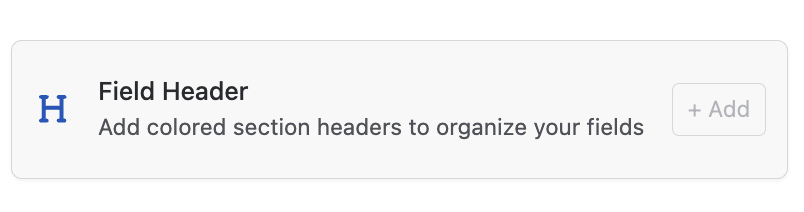
A Field Header is not a data field, it is a visual section divider that sits within the Amazing Fields area on a Trello card. It lets you group related fields under a labelled heading, making cards with many fields much easier to scan and navigate.
Note: Field Headers are available to supporters only. If you are on the free plan, you will need to upgrade before enabling this setting.
How to add a Field Header to your board
- Open Amazing Fields Settings by clicking the Amazing Fields icon in the top-right corner of the board.
- Click the "+ Add" button and select "More field types" to add your field header field.
- Under the Advanced Fields section, select "Field Header."
Header Color
Each Field Header can be assigned a color, which appears as the header’s background on the card. This makes it immediately clear where one group of fields ends and another begins, even at a glance.
To set the color, open the Field Header’s settings and click the "color swatch" to choose from the available palette.
Field Headers work well in combination with Section Tabs when a board has a very large number of fields. To set up a Section Tab, see: how to set up a Section Tab.