How to Rename the Amazing Fields Section on a Trello Card
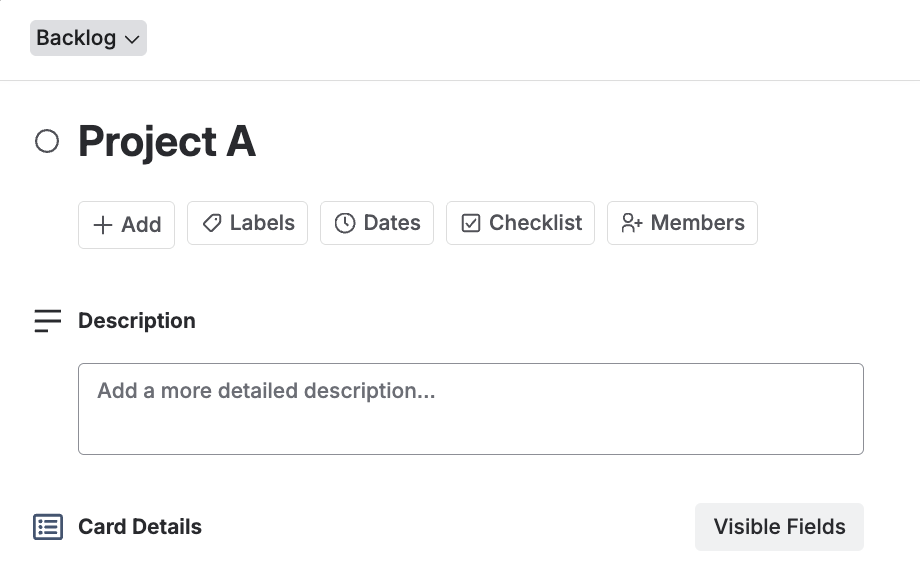
By default, Amazing Fields displays your fields in a section labeled “Amazing Fields” on the Trello card back. You can rename this section to anything that suits your workflow, for example, your company name, a project name, or a generic label like “Card Details”.
Renaming the Amazing Fields section
- Open Amazing Fields Settings by clicking the Amazing Fields icon in the top-right corner of the board.
- Go to any field you previously added.
- In the "Preview Card" section, rename Amazing Fields to your preferred label by selecting the pencil icon.
- Save your changes. The new name will appear immediately on all cards.